|
|
|
PLANETARIUM
- CALCULATORS - IMAGING
|
|
Capture One Pro
- DxO
Optics Pro - Photomatix
Pro - Lightroom - LRTimelapse
- PixInsight - PTGui
DeepSkyStacker
- Nikon Capture NX
- Autostitch
- Viveza
- Photoshop - Terragen -
Bibble - MIRA AP
MaxIm DL/CCD -
PRiSM - ESA/ESO/NASA
FITS Liberator - Picture Window Pro
- IRIS
QMiPS32 -
CCDPro - StellaImage - PaintShop Pro
- Photo-Paint - Photo Editor
- Deep Sky 2000 IP module
Image Tool
- Image32/Pro
- PRISM - MS-Paint - Photo
Styler - Anti Blooming
HF
Propagation programs - Ham, DSP and satellite tracking software
|
|

2000-2022,
PTGui, 205€
PTGui
Pro, 404€
|
PTGui PTGui
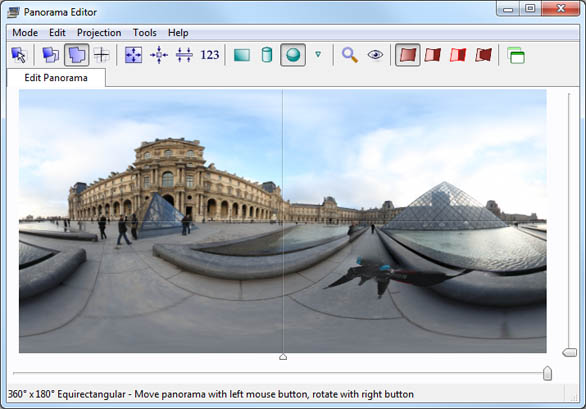
is a graphical user interface for panorama tools (hence the name) or
stitching application; it transforms individual pictures into a panoramic
image.
PTGui
is easy to use and fast. Thanks to OpenCL GPU acceleration PTGui is able
to stitch a 1 gigapixel panorama in about 25 seconds on usual computers.
Just
select the pictures you want to assemble into PTGui and it will figure out how they
overlap.
PTGui can stitch multiple rows of images and supports all lenses,
including fisheyes. It gives you full control over the result, enabling
you to create perfect panoramas, including fully spherical 360°x180° panoramas.
PTGui
Pro add specific tools to manager batch files, HDR images, tone mapper,
correct vignetting, viewpoint, white balance, masking, and more.
PTGui
or PTGui Pro is now at version 12.20. It is available as a license or for
a trial. It runs on all Windows 32 and 64-bit platforms, and Mac.

|
|


2004-2024,
PixInsight, 300€
|
PixInsight PixInsight
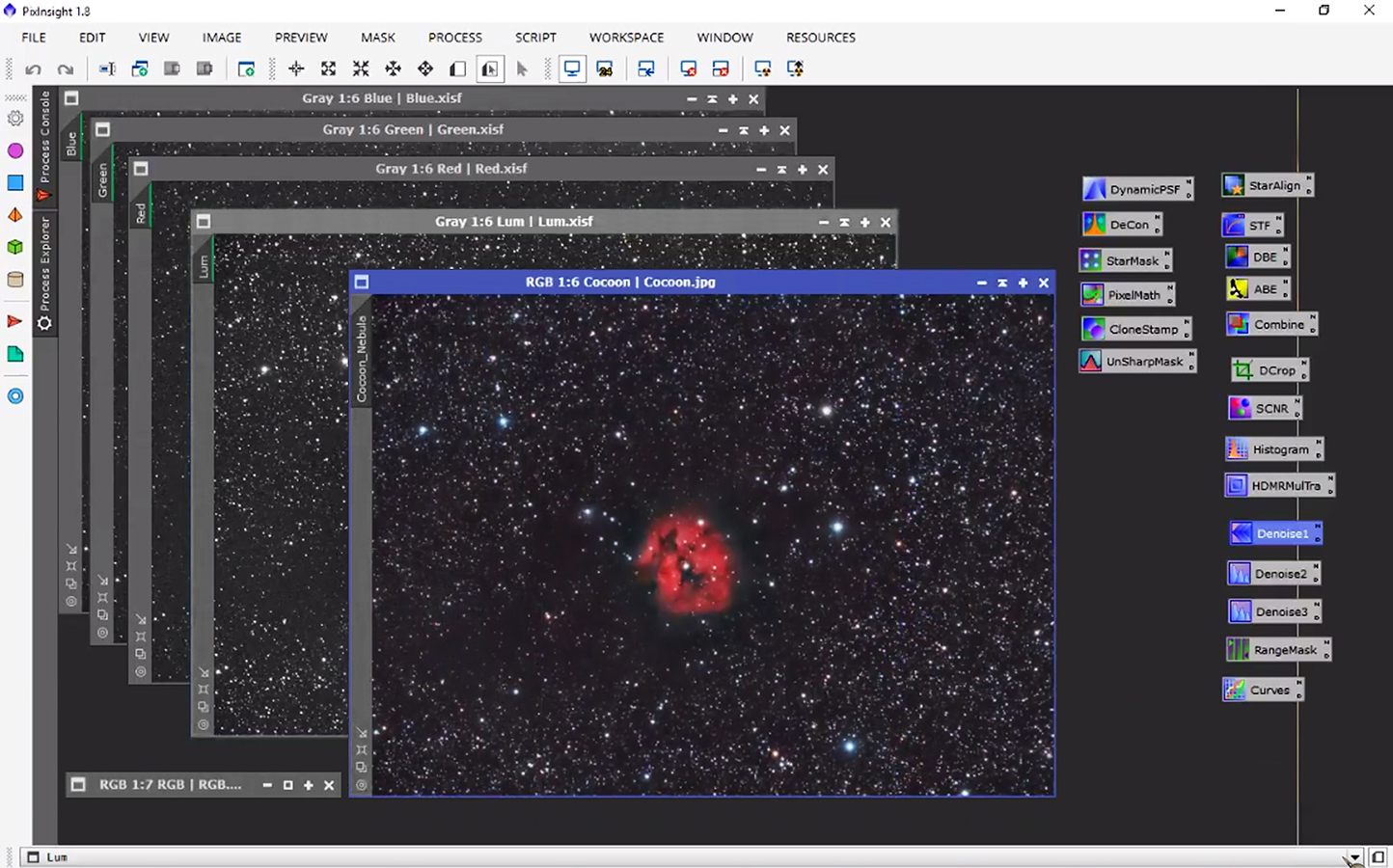
is an advanced image processing software developed by Pleiades Astrophoto since
2004. It is designed specifically for astrophotography. Its main advantage on
other products is its modularity and open-architecture, the entire processing and file handling capabilities
being implemented as external installable modules.
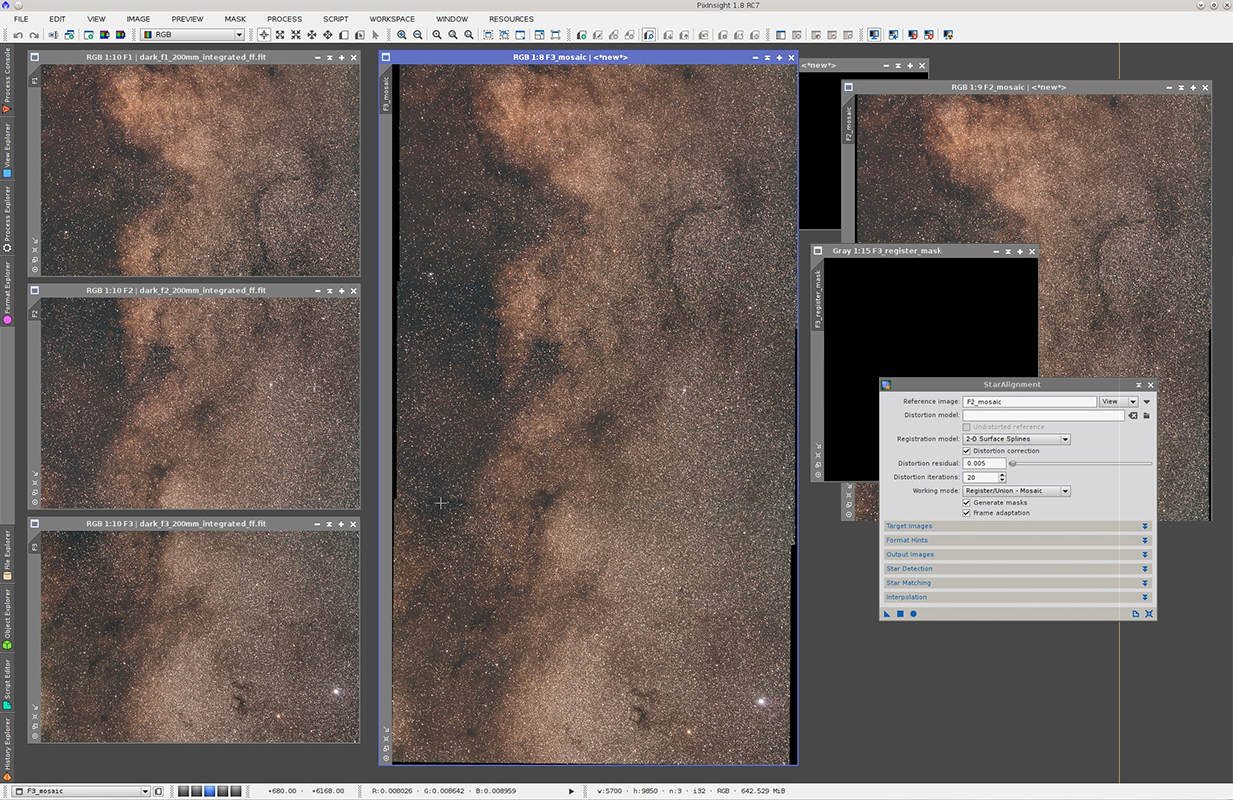
PixInsight
manages all postprocessing functions like cropping, histogram stretching,
flattening, background cleaning, completed with stacking, combination,
star alignment, and provides many filters to enhance details and colors (masks,
dynamic PSF, unsharp, deconvolution, noise reduction, etc). In addition it
supports special processing techniques like color calibration, multiscale,
drizzle, and HDR among others. It also supports scripts to automate the processing.
The
user manual is included in the application but documentation
is also available online. PixInsight provides also online tutorials
made of printscreens and videos
as well as a forum.
This
application being complex (and probably on par with Photoshop), if you are looking for an easy book to
master this application, choose "Inside PixInsight" (2016)
by Warren A. Keller (see also Amazon.fr). PixInsight
is now at version 2.0. It runs on all 64-bit platforms like Windows 7 and
up, Mac OS 10.10 and up, FreeBSD and Linux. Due to the image processing,
it is recommanded to use at least a computer equipped with a 4-core processor at 2.3
GHz or faster, a high-end video card and at least 8 GB of RAM.
|
|

2011-2020,
Gunther Wegner
Shareware,
89-291€
|
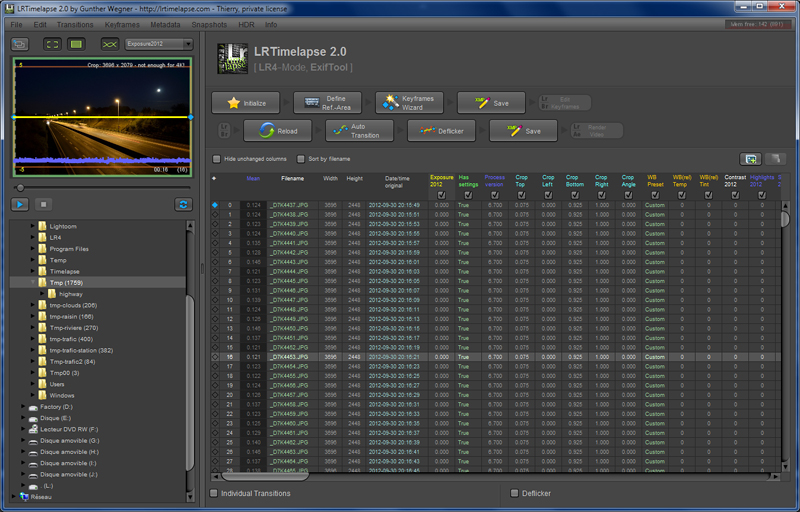
LRTimelapse LRT is an image
pre-processing software developed by Gunther
Wegner that allows you to prepare time-lapse videos. Using
an intuitive workflow you can define development parameters, set keyframes
to manage transitions and image colors at large, deflickering them
if needed then save the modified metadata (XMP), and use these new settings
in Adobe image editors like Lightroom, Camera RAW (PS) or After Effects.
The final objective is to feed e.g. Lightroom with images correctly
preprocessed to create a video.
LRT
supports JPG and raw formats and is able to manage HDR sequences too.
You
will find on LRT website several video tutorials that will help you to
create your first time-lapse video within one hour. Here is an
example of such a video.
A
forum available in English and
German is also at your disposal.
LRT
5.x runs on all Windows 32-bit or 64-bit platforms with Java. A license is
available for private or commercial use (with a possible logo).
I
warmly recommend you to buy the license to encourage Gunther in his
project, all the more if you are fan of time-lapse.
|
|

2012-2020,
Adobe, 139€ (11.69€/mo)
|
Adobe
Lightroom Adobe
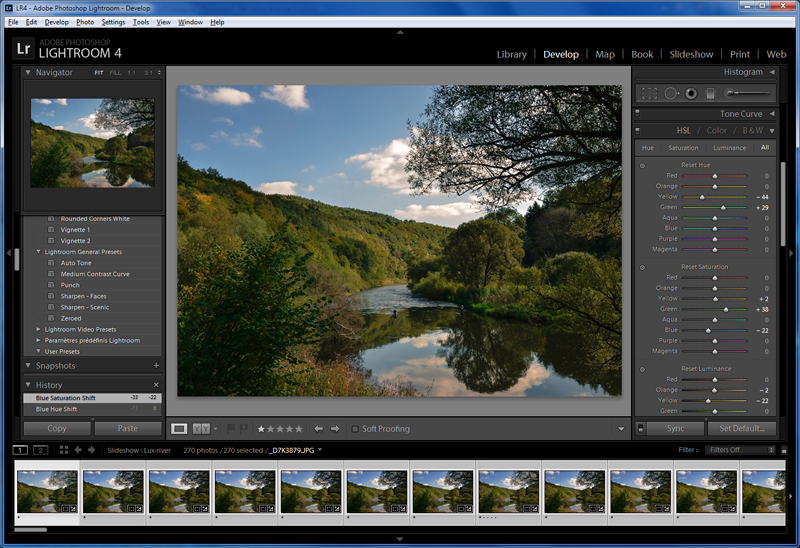
Lightroom, aka LR, is an image library manager and an image processing software.
When we have to manage thousands of pictures saved on disk, we are quickly
lost if we try to manage manually so many data.
LR
manages your image library in sorting your pictures according to various
criteria but more than this it can postprocess them (e.g. rectify the
frame, modify colors, add special effects, etc), create photobooks, slideshows, and even attach
a soundtrack to your video (but LR is not a video editor so you cannot
edit the soundtrack). Where
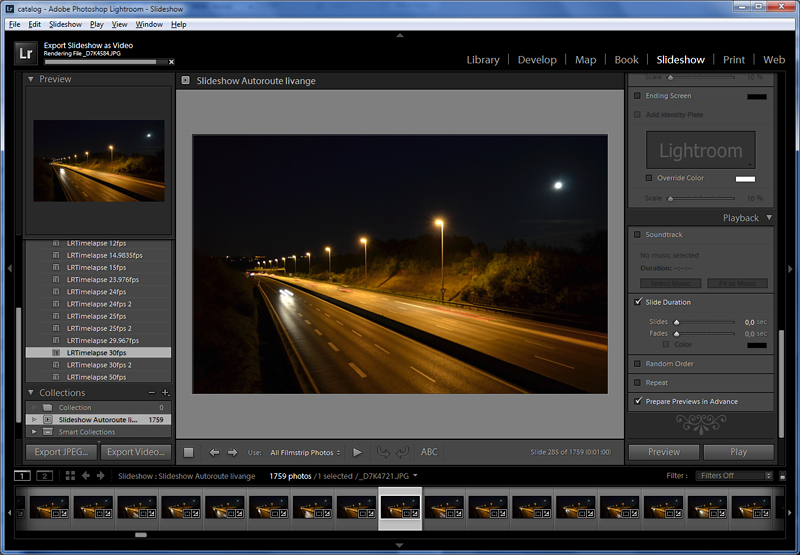
the program is really performing is in its capability to load metadata files (XMP) defined e.g. in LRTimelapse,
and to use slideshow templates. This feature allows you to create time-lapse
videos in a few minutes. Here is an example
(in HD) and another one of
such videos.
Lightroom
saves (exports) the resulting video in MP4 (MPEG-4 format) with the
H.264/AVC codec with a definition up to 1080p. In this format, a 1 minute sequence
needs about 180 MB of disk space (it is 60 times smaller that the AVI
uncompressed version).
The
size of these files could frighten users. But the
video processing is not ressource hungrier, and works according to
available ressources. FYI, reckon about 1 hour to generate a 1080p HD
video of 1 minute at 25 fps using a 2-Core CPU at 2.5 GHz (performance index of
5.9).
Lightroom
is now at version CC (Creative Cloud) and runs on all Windows 32-bit or 64-bit platforms,
and MacOS. LR is available in trial version (30 days) or license in 8 languages.
|
|

2007-2011,
HDRSoft, 99$
|
Photomatix
Pro Photomatix
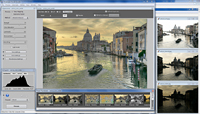
Pro is probably one of the simplest HDR software to use. On
the dump displayed at left, the 3 small images at right were loaded in
MS-Photo Editor over which I opened Photomatix to show you what images it
loaded. Through an
ergonomic and efficient interface, the process will assist you. It will
request you to select 2 of more exposure-compensated images (e.g. one
underexposed at -2 EV and another one overexposed at + 2EV), whether you want
to align source images by matching features, to reduce or not ghosting
artifacts, noise and the chromatic aberration. Based on these settings, it will combine
your images in a few seconds. The image will be displayed in HDR what
could be the limitations of your video card and diplay. In a last step,
you can fusion exposures or better, apply a tone mapping. This last
processes the resulting image back to 8-bit or 16-bit color space for
display on your screen or to print it. The result is really stunning as we
can show at left, the software showing in a separate windows image
variations from pastel to vivid colors.
Photomatix
Pro also includes basic editing functions of colors (histogram per channel,
saturation, gamma) and luminance (brightness, contrast, smoothing...) completed
with a crop and sharpness functions. At last, it supports batch processes.
The Tone mapping function is also available as plug-in for Photoshop
CS2 and higher versions for 79$. You will need to load and combine your
series of bracketed shots using Photoshop's "Merge to HDR Pro"
function first, and then apply the Tone Mapping Plug-In.
Photomatix
Pro is now at version 4.0 and runs on all MacOS X and Windows 32-bit or 64-bit platforms.
It is available in various languages. A trial version that never expires
is available.
|
|

2011,
DxO, 299€
|
DxO
Optics Pro Dxo
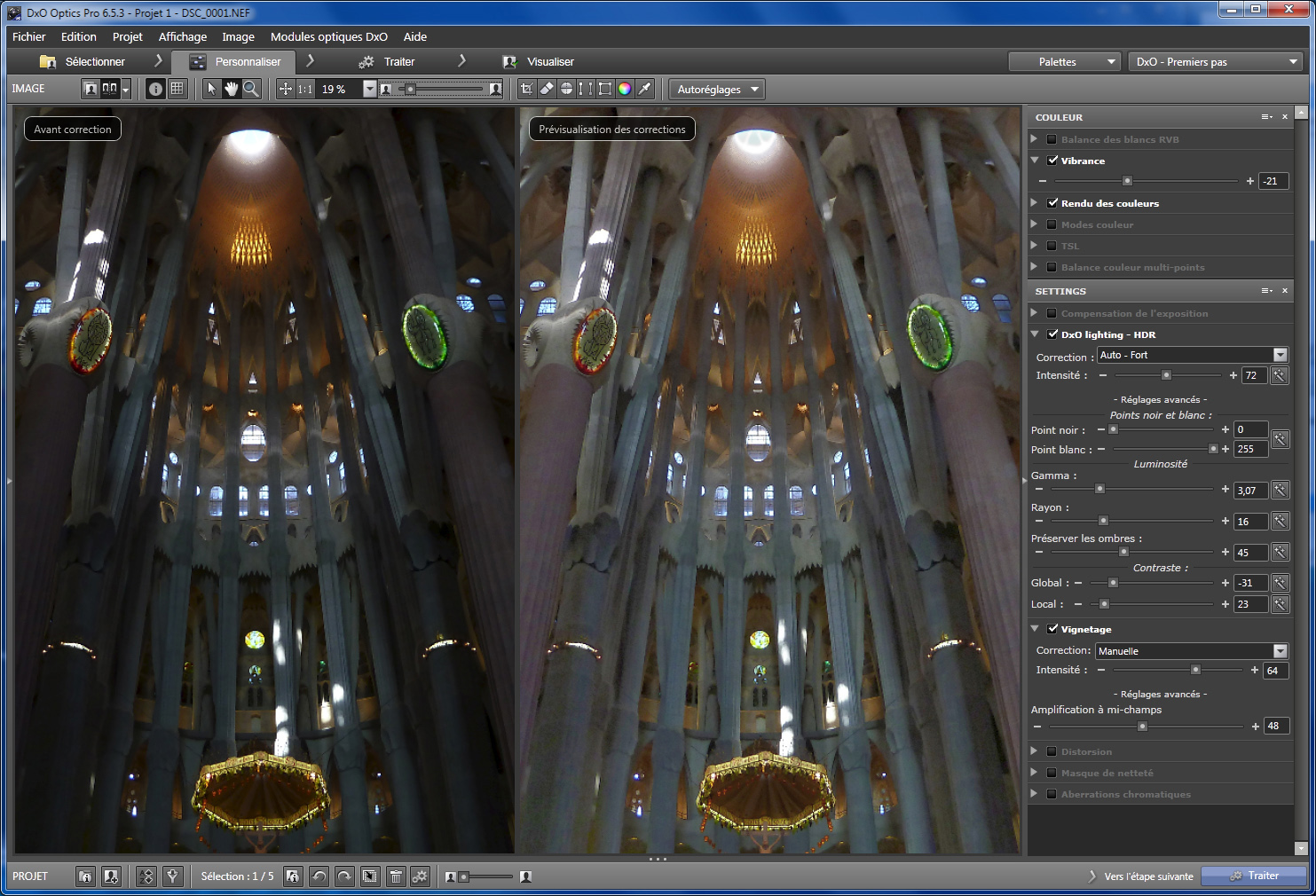
Optics Pro is an image processing software supporting RAW files and linked to a database of lenses
that you can updated from Internet. In fact, DxO is able
to detects in the RAW data which camera and lens were used to take the
picture and if needed to download the specifications to fix the
defaults typical to that optical combination.
DxO
is both a retouching and a corrective tool, although this second feature
is the most developed.
Indeed,
DxO comes with an impressive serie of functions to rectify most optical aberrations from those typical to fisheye or
wide-angle lenses, to distorsion, vignetting, chromatism, high-lights
reducer, and other light-related defaults.
Another
very useful function is the parallel; instead of rotating a plan to level
it at some occasions it is preferable to distort the image. DxO allows to
manually adjust lens distortion by tracing two
separate lines in the image.
Among
tools applying the latest technologies, DxO provides a HDR-like tool and manages High ISO in reducing
the electronic noise. It includes a technology à la "U Point"
named multipoint color balance (MPCB) to change colors and luminosity of a
more or less extended and fuzzy area, it includes a dust removal tool, a curve editing,
and is also able to add artistic effects.
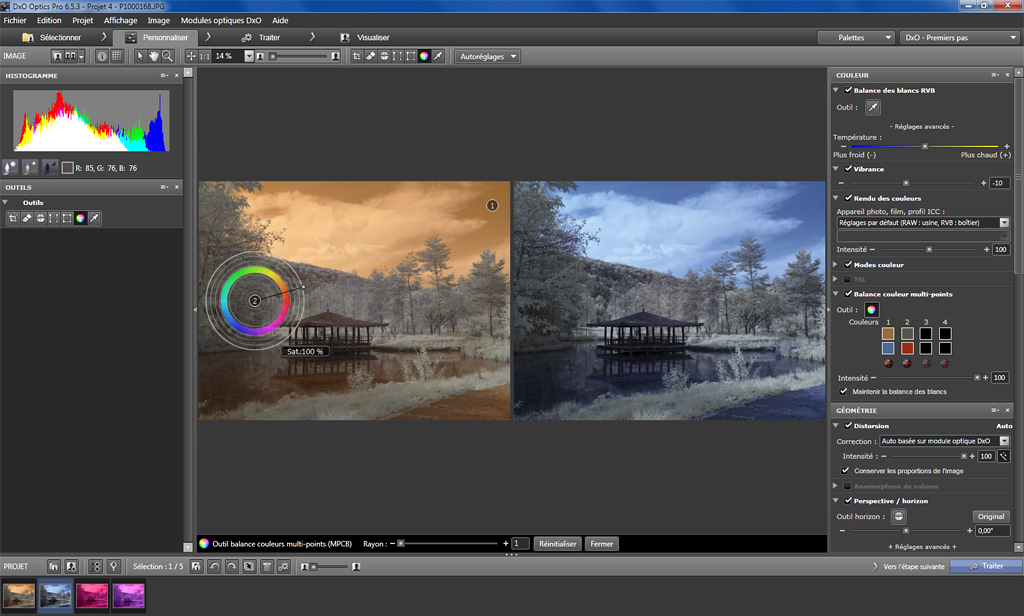
Better
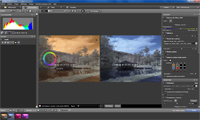
than a preview, DxO includes a dual image mode to display the image
changes before and after processing.
DxO Optics Pro
can export files to Adobe Lightroom and other
graphic editors.
DxO
has the look and feel and contents of professional tools. Sole minus
point, if it is excellent to correct optical defaults among other things,
as retouching tool it is not as complete as Photoshop or some of
its competitors able of selective editing.
DxO
Optics Pro 6.5 runs on all MacOS X and Windows 32-bit or 64-bit platforms.
It is available in various languages in version Standard or Elite.
|
|
1995-2022,
CaptureOne, 349€
|
Capture
One Pro
Capture
One Pro is an image processing software supporting RAW images, including many
DSLRs and digital backs.
The
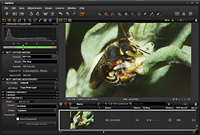
new version adds new tools. Among them, it includes a Focus Tool and Focus Mask to instantly assess and make
selections from the focused area in images. It also includes a new Skin
Tone enhancer. You can also add vignetting to images, adjust individual
color channels and edit an expanded set of metadata fields.
Capture
One includes a database of lenses (presets) to perform corrections
depending on the lens used, a HDR and perspective correctors, local adjustements of contrast and luminosity, layer based
adjustments and multi-colour sliders for controlling the tonal blend of a
monochrome conversion.
Using
a slow or guenine graphic card, the application can display an "OpenCL
initialization failed" error at start. Then the application hangs. In
this case you need to run the application in "XP SP3"
compatibility mode (via a right-clic on the shortcut or on the exe file)
and select in the application Preferences "Use
OpenCL = Never". Then the programs will work properly. You will find
more information on the developer forum.
Now
at version 22, Capture One Pro runs on all MacOS X and Windows platforms. It is
available in various languages, in version Express (Lite) or Pro. Here is
a review of Capture
One Pro.
|
|

2008-2014,
DeepSkyStacker
Freeware
|
DeepSkyStacker
You
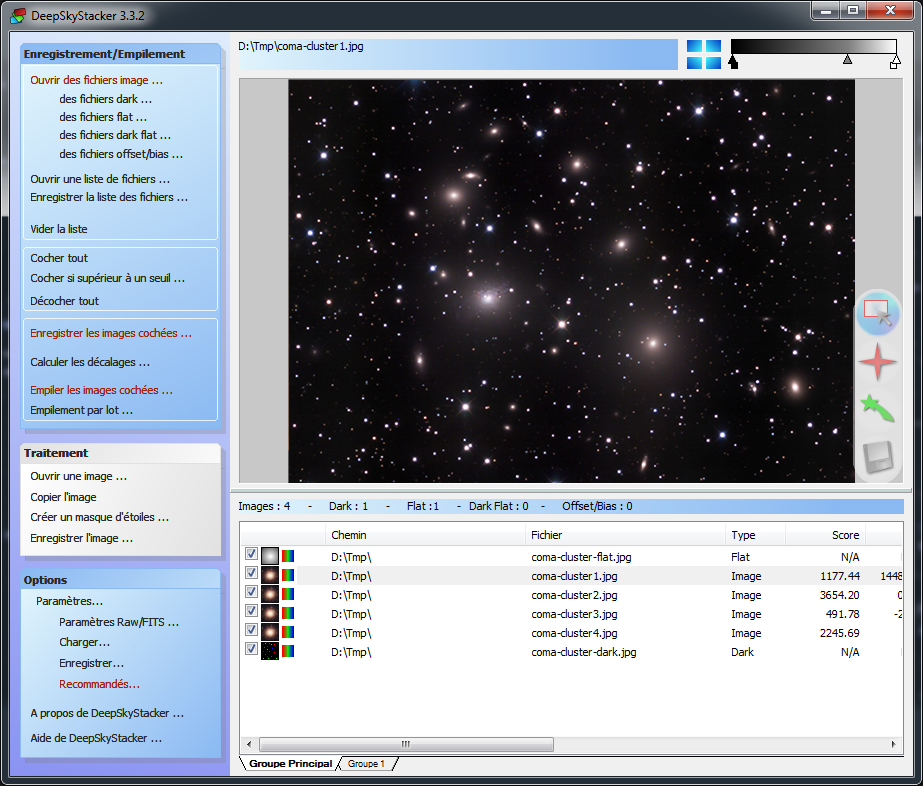
need to stack ten or thousand images ? DeepSkyStacker do it easily !
DeepSkyStacker
is a freeware dedicated to astrophotographers that aims to simplify the
pre-processing of deep sky pictures.
DeepSkyStacker
manages all your images including light frames, dark frames, offset/bias
frames, flat frames and produced a stacked image in a few mouse clics.
It
manages the registering, stacking, post-stacking processes, and
automatically save the resulting image to a TIFF or FITS file in 16 or 32 bit format.
Now
at version 4.2.3, DeepSkyStacker GUI is available in many languages and a
tutorial as well as a user manual are available online.
DeepSkyStacker
remains a 32 bit application but it runs without problem on 64 bit Windows
(in 32 bit mode).
|
|

(c)
1998-2015, Nikon,
199€
|
Nikon
Capture NX
Capture
NX combines powerful RAW image processing software and a file management. The
RAW editing features are Nikon NEF specific, but there are a number of other
editing controls for JPEG and TIFF files.
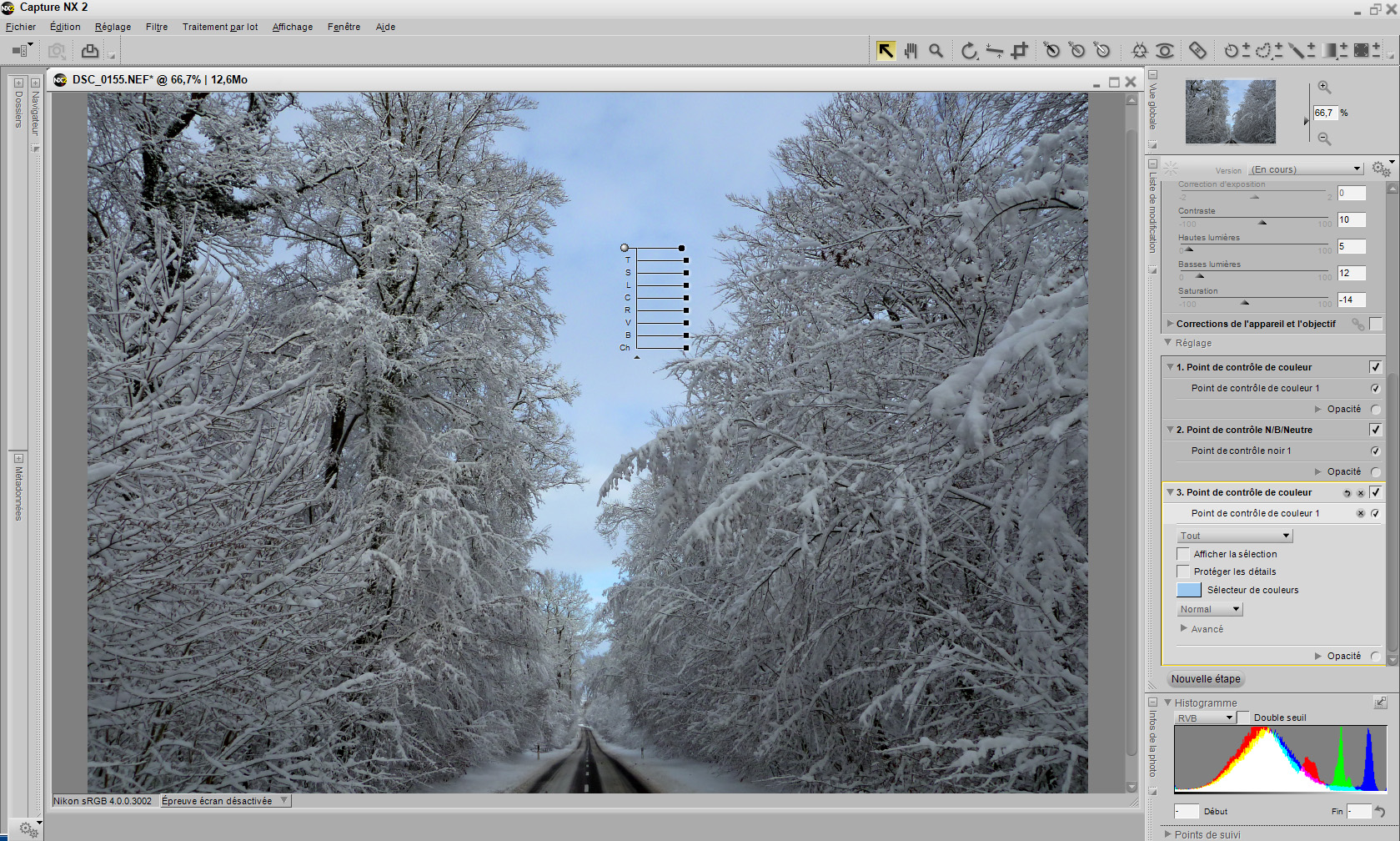
Capture NX 2 looks similar to the
previous version, but there are useful changes : you can configure and
save custom workspaces, have a dual monitor support with the additional
space for your image on one display and the various palettes on the other.
It also integrates a browser to find images as well as apply ratings and
labels. It adds a Favorites panel to the folders tab to help with
accessing the files you work with most frequently. The Metadata tab is
available to assign more info if you wish, including keywords, copyright
notice, and contact information.
Speed
improvements are also obvious with the program keeping up with most
editing tasks. Batch processing is welcome but a bit slow, even running on
the most recent and faster computers (the processing of hundreds of images
can last several days).
About
processing tools, in addition to the Color Control Point method of
selection in the previous version, there are Select Control Points using
U Point technology. When selected, you can drag out a slider to set the
radius that will be affected by the selection. You can also set the
opacity of the selection, and whether to view a combination of the
selection and the original image, or just a mask view that is very useful
to verify what you've selected. For more localized control, the Selection
Brush lets you paint your selection, after which you have all of the same
adjustment options. There is also an Auto Retouch Brush (bandaid icon)
that works extremely well with a variety of clean-up tasks. This tool is
similar to the Healing tool in Photoshop but works easier and faster.
For
NEF files, there are Picture Control settings and utility to create your
own control settings, including non-destructive editing capabilities. The
new version includes Highlight and Shadow Protection, controls that help to
recover details in either the shadow or highlight range (like do Lightroom
or Camera Raw). Used with a NEF file, the Highlight Protection control can
recover even more information than possible with a TIFF or JPG file.
Capture
NX 2 includes filters, a full set of effects
(similar to the ones available in Photoshop) and supports plug-ins like
Color Efex from Nik Software. Note that all adjustments
and filters are listed in the Edit List (like the Photoshop History) that
you can change or disable or delete at will.
For
output, Capture NX 2 has some powerful options. It fully supports color
management and soft proofing mode (to look how your image will look on paper).
See demos on Nikon website.
Nikon
Capture NX2 works on MacOS X and all Windows 32-bit and 64-bit platforms
and is available in various languages.
|
|


(c)
2004, Matthew
Brown
Freeware
|
AUTOSTITCH
As
its name suggests, it is an automatic image stitching, in other words an
application able to create a panorama from individual images.
Developed
by Matthew Brown from the University of British Columbia, Autostitch does
not require any tutorial. At first run, check the Edit, Options menu, in
particular the output file size (e.g. 4000x1500 pixels), the JPEG quality
(e.g. 100%), and the possible matching options (pixel min. dimension,
scale, number of iterations, etc).
Then
select at least two images to assemble via File, Open and the stitching
will start. The algorithm will align selected images and improve its
rendering to display a final image free of joins and other artifacts.
Depending on the image resolution the assembly and rendering lasts between
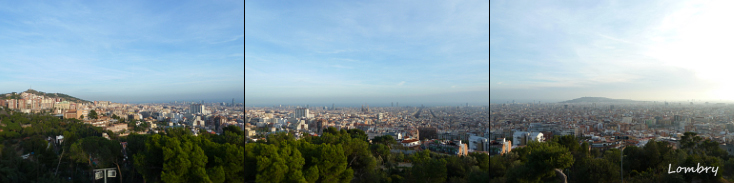
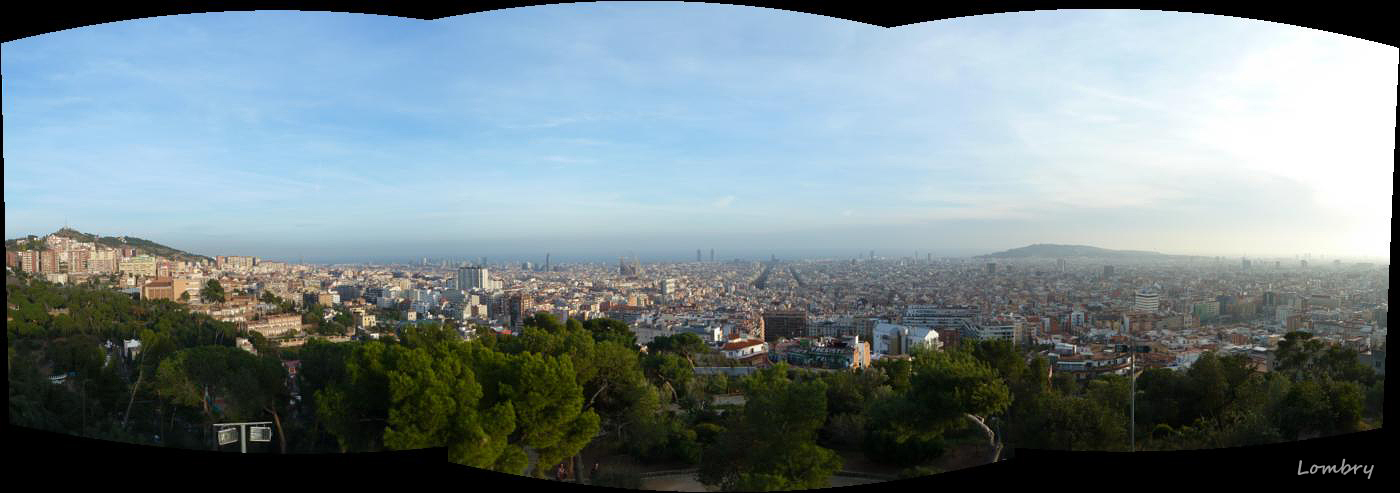
a few seconds and some minutes. The result is really stunning as you can
see at left on this panorama of Barcelona that I took.
Now
at version 2.2, Autostitch runs on all Windows 32 or 64-bit
platforms. It is free for non-commercial use.
|
|

(c)
2005-2011, Nik Software,
200€
|
VIVEZA
Viveza
is an image retouching tool very powerful and very easy to use. Contrary
to classic IP software often complex to use and that require time to be
mastered, thanks to new technologies Viveza can be mastered in a few
minutes.
Viveza
takes advantages of the U Point
technology that has already been incorporated in the famous Nikon Capture
NX. The U point allows to a novice designer to globally improve the colors,
brightness and quality of any image or one of its details thanks to the combination of
elementary functions gathered in global tools.
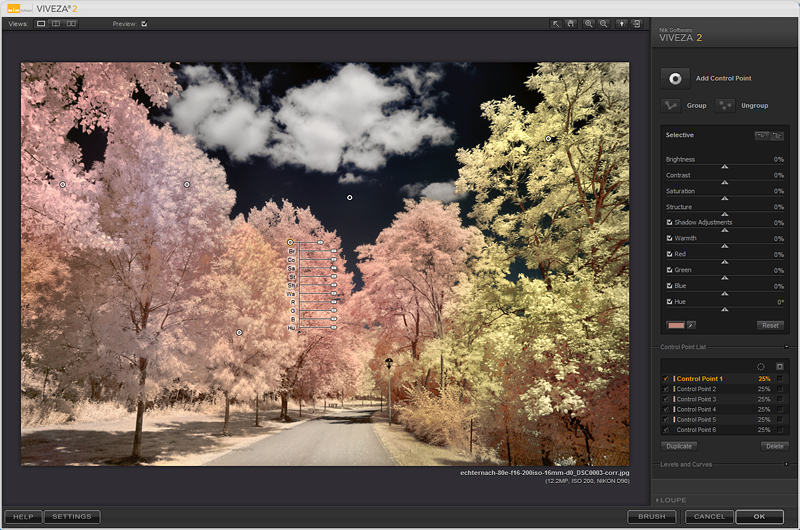
Using one or several U
Points and selecting the radius of the affected area, in a few seconds
you can see your image saturation and level of details improved. A must if
you need to regularly modify colors of your images, including in color
infrared imaging.
Now
at version 2, Viveza runs on Mac OS X and Windows 32 or 64-bit
platforms. It is available in various languages as plug-in for Adobe
Photoshop, Lightroom and Apple Aperture.
Note that the Lightoom plug-in is
not integrated in the Raw workflow but remains as a standalone and
external tool. You will find video
tutorials on the developer website. A trial version is also available.
|
|


(c)
1990-2020, Adobe 955-1375
€
(23.39€/mo)
|
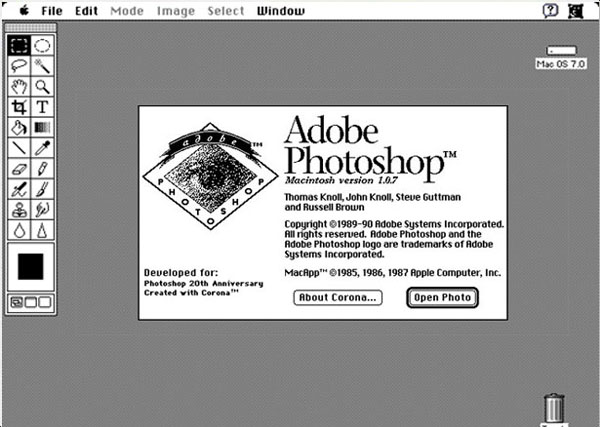
Adobe
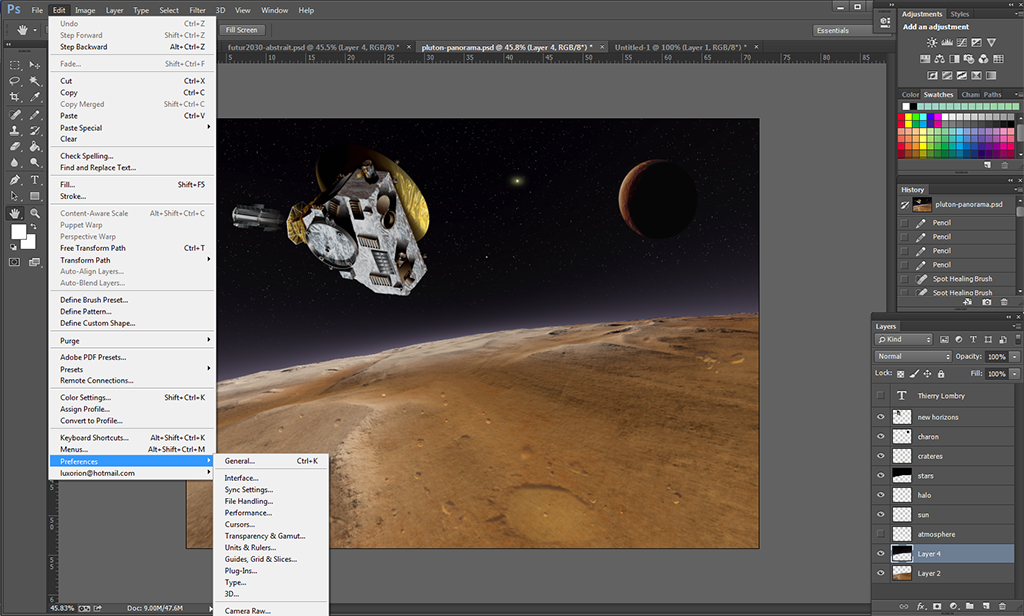
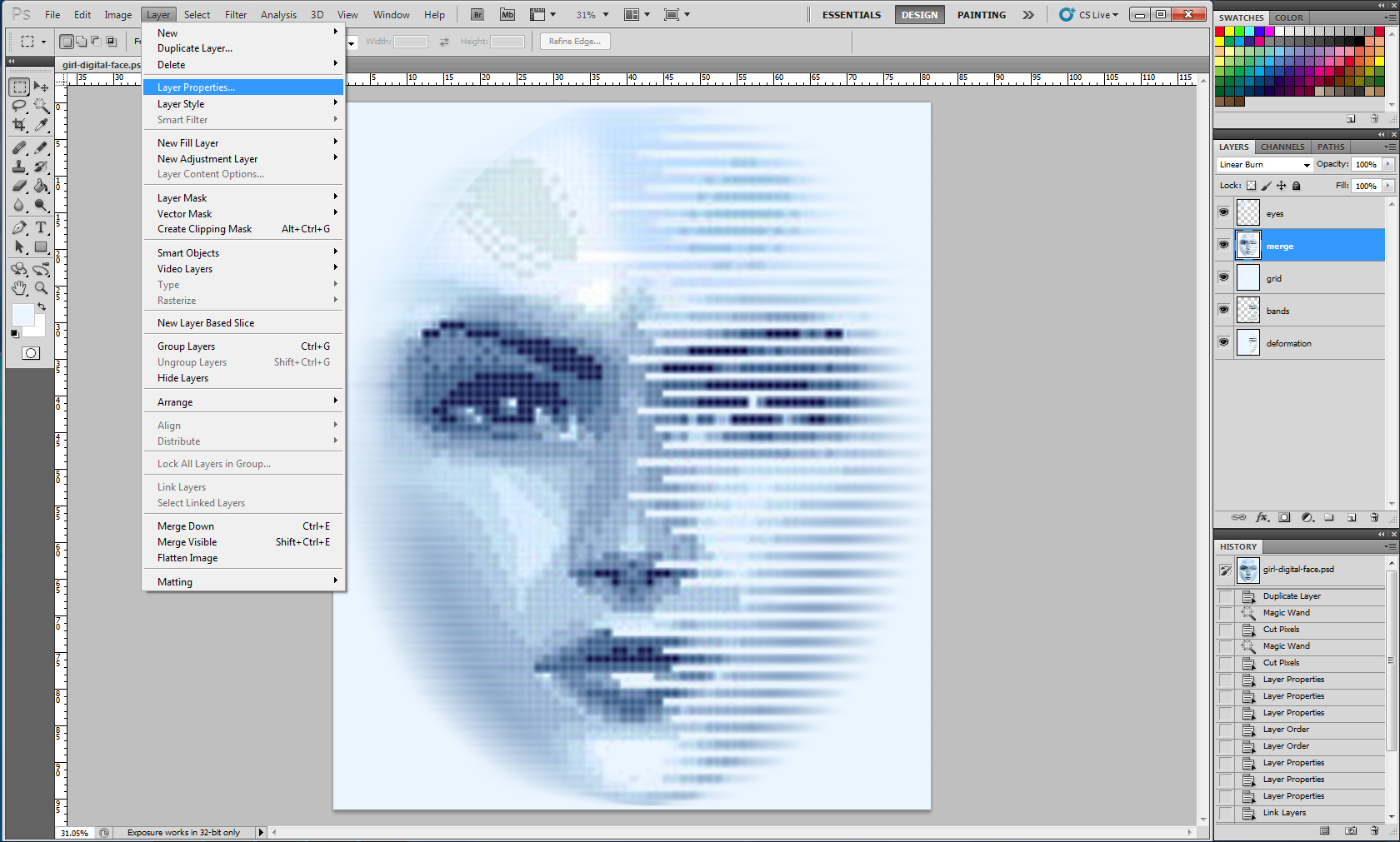
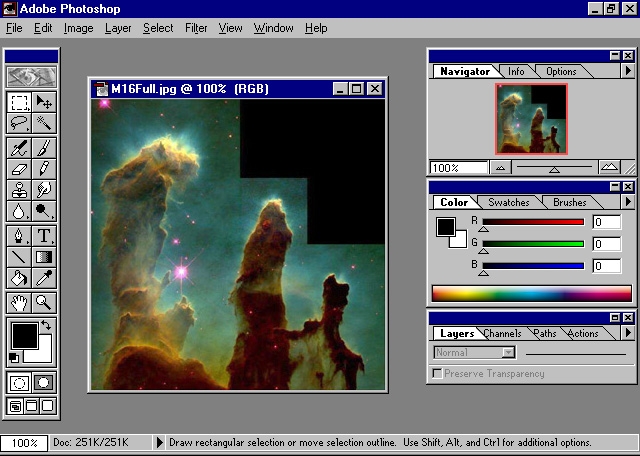
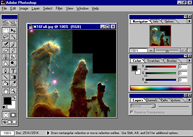
Photoshop This
famous program born in 1990 is a high added value image processing
software that also reaches a very high
price. Considered as a leading product in its category, it is used by all
serious photographers and publishers. Each year this imaging program win several awards !
Think about something artistic and graphical,
Photoshop can do it ! Any kind of special effect can be created once you master the program.
Channel separation, like LRGB composites or CMYK separation for offset publishing
count among its skills.
Among all
advantages of Photoshop, it has the ability to manipulate
layers, masks, contact sheets and blue prints, to merge them, separate images or
align them with accuracy to enhance faint details or suppress artifacts.
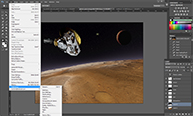
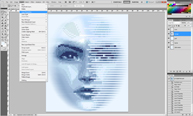
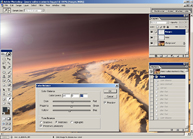
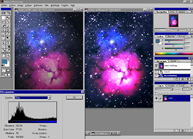
The
main screen displays on top a menu and an option bar (which parameters
adapt dynamically according to your selection), a toolbox at left
(including tools like selector, lasso, magic wand, paint bucker, eraser,
brush, blur, clone, move, text, colors, etc, themselves often sudivided in
several tools), and palettes at right (last
actions, layers, colors, styles, masks, etc). In-between comes the image
window. Most tools are associated to a shortcut key (lasso with L-key,
etc)
Photoshop
comes with numbers of filters and effects, including artistical and video
ones. It is even able to customize tools and their effects in mixing
several items together. You can easily alter your image and its colors, stretch your
perspective, make transparencies, add or suppress an external light, add a
lens glare effect, use a gaussian or smart blur tools, and much
more.
With
some addins, Photoshop is able to design interactive JavaScript rollover
effects, manage image slicing and animations for web publishing purposes.
Photoshop exports in Pantone
format and save in various formats like PSD, BMP, JPEG, TIFF, PNG,
including various compression levels of GIF, and many other formats.
It can also use a compression algorithm compatible with a web publication that
preserves the quality instead of be focused on the compression level.
Here
is for short how improved Photoshop along the years.
Version 1 was released in February 1990 for
MacOS. It supported Colormatch colors from Pantone.
In
November 1992, Photoshop version 2.5
was adapted to Windows.
Version 3 (Sept 1994 for Apple and
Nov 1994 for Windows) added tab palettes.
Version 4 (Nov 1996) added adjustable
layers and editable type rather than rasterized.
Version 5 (May
1998) added Color management and a reduced color space named sRGB. This
color space didn't please users and version 5.5 (Feb 1999) added the
Adobe RGB (1998) gamut aka SMTPE-240M, a TV standard much more extended.
This version also included the Extract feature.
Version 6 (Sep 2000)
added the "liquify" filter and color management (support for ICC profiles).
Version 7 (April 2002) added full vectorial text and healing brush.
Version
8 (Oct 2003) aka "CS" standing for 'Creative Suites", code name "Dark Matter", added a "lens
blur" filter, real-time histogram, commands like shadow/highlight
and match colour, and last but not least the Hight-Dynamic Range, HDR.
Since
then, all "CS" versions integrate a complete suite of products to create and edit images or for
designing and authoring a web site.
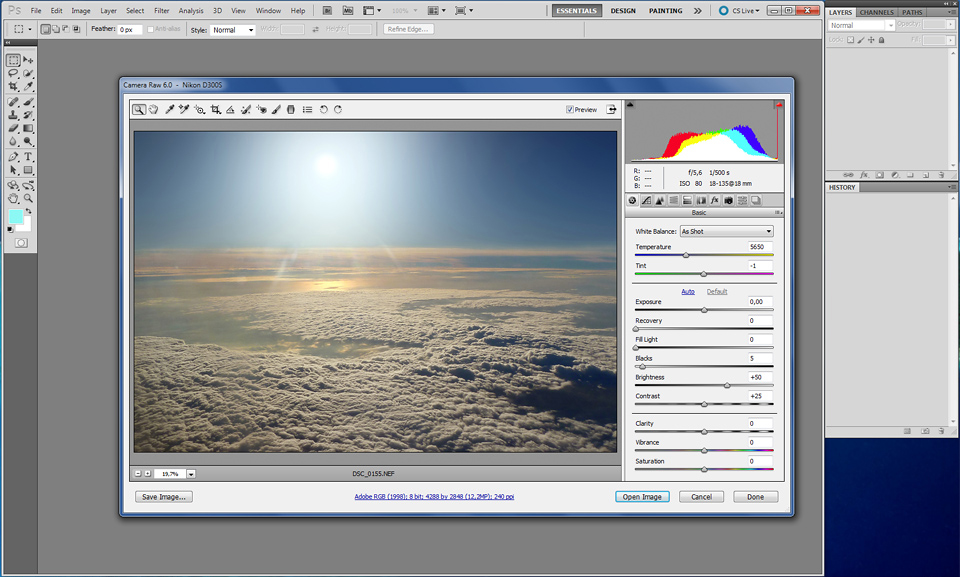
Version CS2 aka PS 9 was released in 2005. Among other things it supported tens of
plug-ins to name
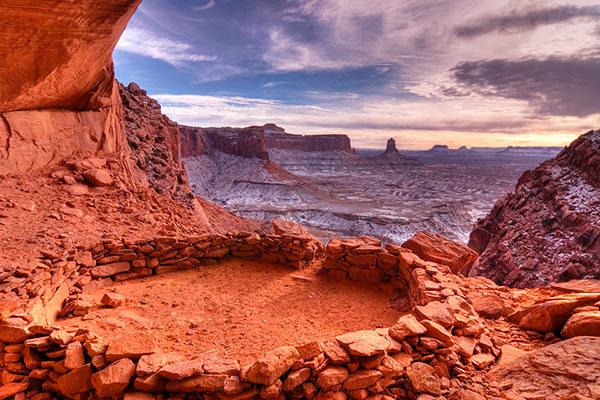
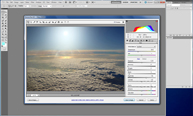
Camera Raw (released in 2003) to process raw pictures from
compact cameras and DSLR (4th image from top), "Viveza" from Nik
Software that takes advantage of "U-Point" technology,
"Universe Image Creator" from Diard
Software and more recently (2007) "Tone mapping" from HDRSoft,
among many others tools.
Since
that time, in addition to foreign language support (French, etc),
Photoshop is available in two versions : Standard or Extended. The
Extended version includes all features of the Standard version plus new
tools to create and edit 3D imagery and 3D composite objects, including
extrusions, rotation, inflate, bevel, as well as image analysis and motion. The Extended version is thus more
oriented to 3D imaging, film and video graphic and web design.
Version CS3
aka PS 10 was released in 2007. It includes new creative content (shapes, styles,
swatches, etc), new industry-leading color correction, an auto-alignment
of layers and an auto-blending of images. Version
CS4 aka PS 11 was released in 2009 and provides a new content-aware scaling tool, a
smoother zoom and pan, a extended depth of field and support 64-bit OS,
Multitouch (with an Internet connection) and custom panels.
Version CS5 aka PS 12
was released in 2010. It includes a "content-aware" functionality;
even if it is perfectible, its allows to remove an object from the
image and to reconstruct the background in only one mouse-clic. It aslo
includes a new Puppet warp.
In the Extended
version, the 3D functions have also been improved.
Version
CS6 was released in 2012 and includes 23 new features, including a
new interface, darker, a content-aware patch and move, a new crop tool, a
skin tone-aware selections and masking, improved auto-corrections, a blur
gallery, an adaptive wide angle for lens correction and new type styles (more like
InDesign) among other
improvements. Since
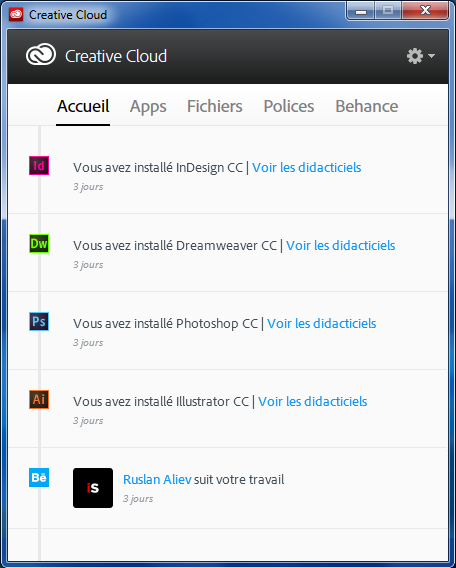
2012, a Creative
Cloud version, aka "CC" version is available. It requires an
Internet connexion for the subscription and the first local installation.
Then you can use it locally. CC
versions also support 3D printing. Note that for photographers, the CC
version includes a Shake Reduction feature that, under the right
conditions, can reduce or eliminate the image blurring due to a vibration
or a shook during the exposure. With
CC, instead of buying a licence, the user pays a monthly fee (about 24€/month per application or
280€/year, and cheaper for students and enterprises), and access to the application(s) of
his choice and to an infrastructure saved in the Creative Cloud (virtual
space). Applications
are always updated, and you can
optionally share your results with trusted parties using the Cloud
(Behance). Adobe
Photoshop runs on all MacOS and Windows platforms with Adobe Flash. To
use the 3D module, having RAM is not enough. The system requires at least
512 MB VRAM (on the graphic card, and the fastest the best). The
latest version 21.2 of Photoshop desktop was released in June 2020. Since
2019, there is also a Photoshop for iPad, now at version 1.5. Photoshop
is not difficult to use but with all its options it is a complex
application that requires practice and time to be mastered. So, due to its many
tools, it is by far preferable to get training by a professional than
trying to learn as a self-taugh person Photoshop by trial and errors. Hopefully,
many
books, DVDs and video tutorials, including made by Adobe, are dedicated to this bestseller. Any large
bookshop has also a shelf dedicated to Photoshop.
For beginners, I recommend
to watch videos available for free on the web (YouTube, etc) and "Teach
Yourself Visually" (lien
VF) collection from Wiley. Their collection
is based on image, 4-color dumpscreens rather than long explanations.
You
will find on Adobe Buying-Guide a comparison
between Photoshop versions.
|
|
(c)1999-2011,
Planetside Freeware
or registered No
charge, $299, $999
|
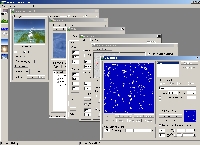
Terragen
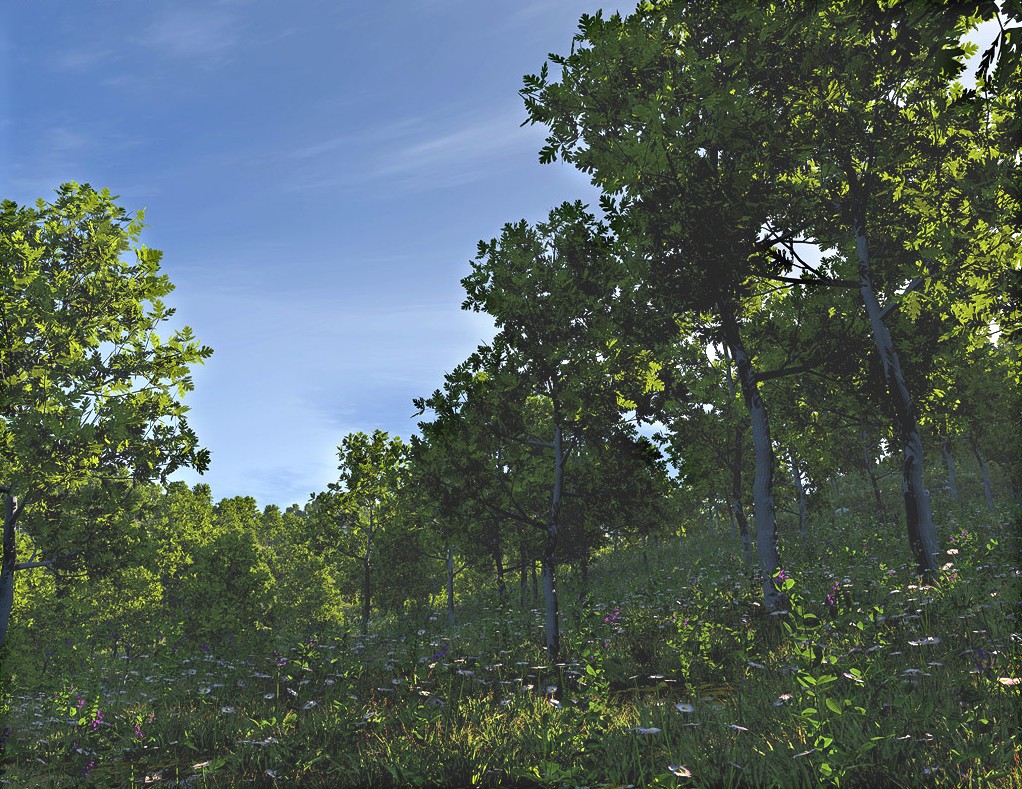
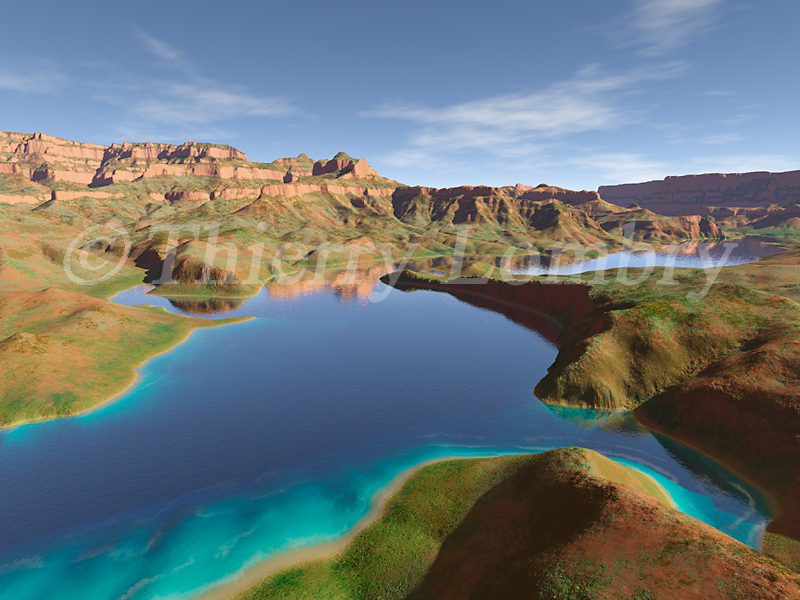
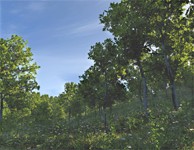
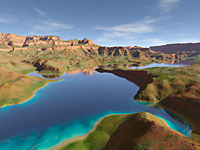
Today this term is became a byword to describe scenery and rendering software.
And
de facto, Terragen is one of the first application to explore this
field in a so complete way and practically without limitations. It is a remarquable tool quite easy to
use that permit to each of us to create photorealistic landscapes.
Terragen
is a very sophisticated scenery and rendering program able to
create photorealistic landscapes. Created by Matt P.Fairclough, it
is free of charge for any non-commercial use.
There
are two versions of Terragen, version Classique 0.9.43, and Terragen
2 Technology Preview.
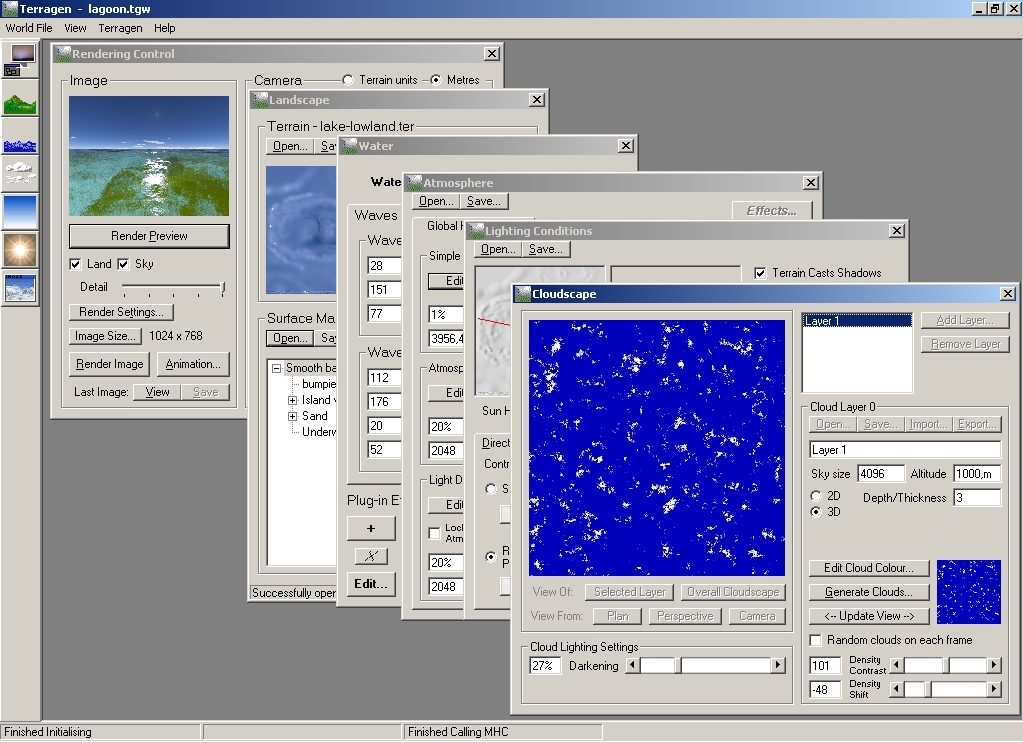
Here
are specifications of the product :
-
surface rendering
-
atmosphere rendering
-
clouds rendering including 3D
volumes
-
water rendering
-
sun and light
-
screen resolution
-
camera and target position
-
boolean combination of two
reliefs
-
3D rendering
-
scripting
- import, export, plug-ins management,
and more.
In
order to benefit of all anti-aliasing options and get the best
image quality, I recommend you to buy the registered version of
Terragen. Not only in this way you encourage Matt P.Fairclough
to improve its product but this version allows you to create larger
images too.
Terragen
2 adds more realistic vegetation and a more complex clouds texture as well
as new tools like a more powerful relief editor, a lens flare
effect, new imports, etc.
TG2
having been reprogrammed from scratch, this version requires 1
GB RAM minimum but will be more at ease using a performing
system and much memory (~3 GHz CPU, 4 GB RAM
and 256 MB VRAM). In
both cases, Terragen can hardly
appeals your computer, mainly the CPU when you create complex
landscapes with shadows, water, etc. See this article
that I wrote about this subject and this gallery. Note
that since end 2006 there is no new development for the Classic version
0.9.43. Only TG2 know new developments. It is declined
in 3 products including a free version.
Terragen
Classic 0.9.43 runs on all Mac OS 9, X and all Windows 32 or 64-bits
platforms. TG2
runs on all Mac OS X and on Windows XP 32 or 64-bits platforms and higher.
|
|
(c)
2000-2011
Bibble Labs,
$200
|
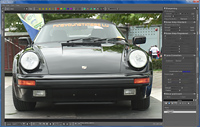
Bibble
Bibble
is an image editor including RAW support for many of the newest compacts
and DSLR's.
Among
the new tools available in version 5, there is a Click Black / Gray /
White tool to quickly set curve points based on image content, to
neutralize and darken shadows or to set the output white point. Its
strongest feature is the selecting editing.
This
release also includes the free version of Andrea, the improved AndyPRO,
the first film simulator available in Bibble 4, and contains all of the
simulations from AndyPRO.
At
last, the color reproduction quality for several current cameras have been
improved, and this new version also adds 13 newly calibrated lenses and
corrects some bugs.
Plus
side, Bibble includes a database of lenses and requires hardware ressources lower than many other
applications in its class.
Minus side, the trial version runs only 2
weeks, not long enough to appreciate the application and to compare its
performances with its competitors. It runs also very slowly compared to
all other graphic editors I have tested.
Bibble
5.2 Pro is available for MaxOS X, Windows 32-bit or 64-bit and Linux
platforms. It is available in version Lite or Pro.
|
|

(c)
1990-2010 Mirametrics,
$399 |
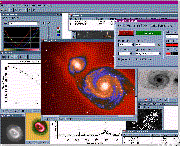
MIRA
AP
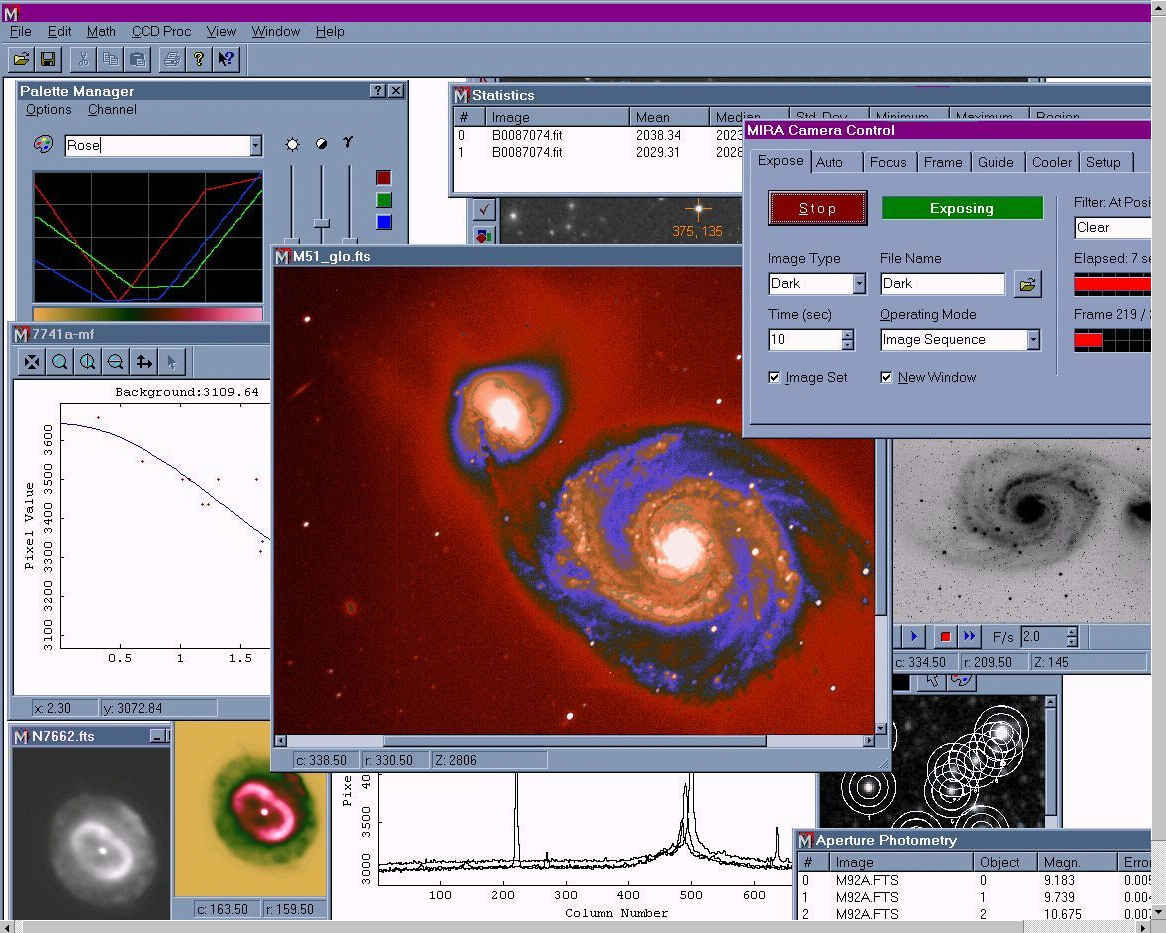
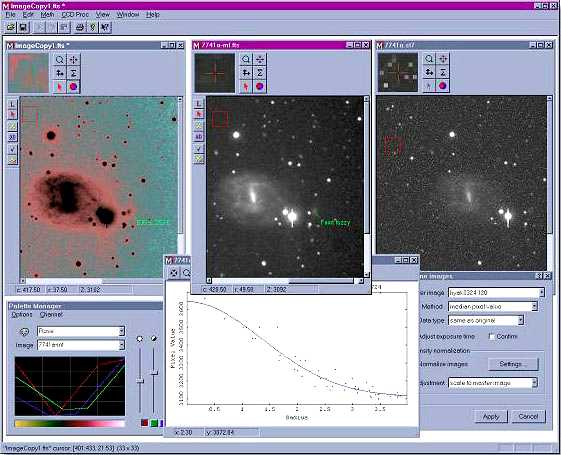
In
my humble opinion this is the big brother of Buil's QMiPS2. Its tools
are powerful and numerous, to list a few : blinking and animation over 40
frames per second, pseudocolor palette, linear to gamma power transfer
functions, astrometric calibration, aperture photometry, data analysis
including histogram of pixels and radial brightness profile, histogram
plots, artifact repair... A few among hundreds of commands accessible
in a few keystrokes. Many
arithmetic and electronic frames operations are provided as special as
blend image, change sign, square root, subtraction of the dark frame or
bias signature. Geometric transformation have not been forgotten as
high-pass filters. Optionally a Maximum Entropy module with or without PSF can be added to deconvolve images and increase
their spatial resolution. On
the other side, low-pass filters can be used to remove isolated bad pixels
or smoothing both in weight and height. You can even create your own
filter kernels or special filters as Rotational Gradient suited to reveal
details in radial structure objects such as comets, block average and sum for software
"binning". MIRA
provides plug-ins interfaces to open alien files formats, math plugs-ins
to process images and make measurements and a script language with batch
mode. Its capabilities can be extended to support spectroscopy, 3D graphics. You can
also create your own plug-ins writting Visual C++ routines. At
last it is able to acquire SBIG, Celestron Pixcel and Lynxx CCD images through its
ACCI module which incorporates a tag to help you to find the best focus
using the radial profile method. It read and saves in FITS, TIFF, JPEG and BMP
formats of any size, from 8 to 64 bit, including 24-bit color and can read ASCII
text and binary files.
Mira
also exists in version Pro (more features) and AL (for students).
Now
at version 7, MIRA AP runs on all MacOS X, Windows 32-bit and 64-bit, and
Linux platforms. A must for its remarkable performances.
|
|
|
Take
a look at my Digital
Darkroom menu for more detail about image processing . |
Back
to Reports & Reviews
|